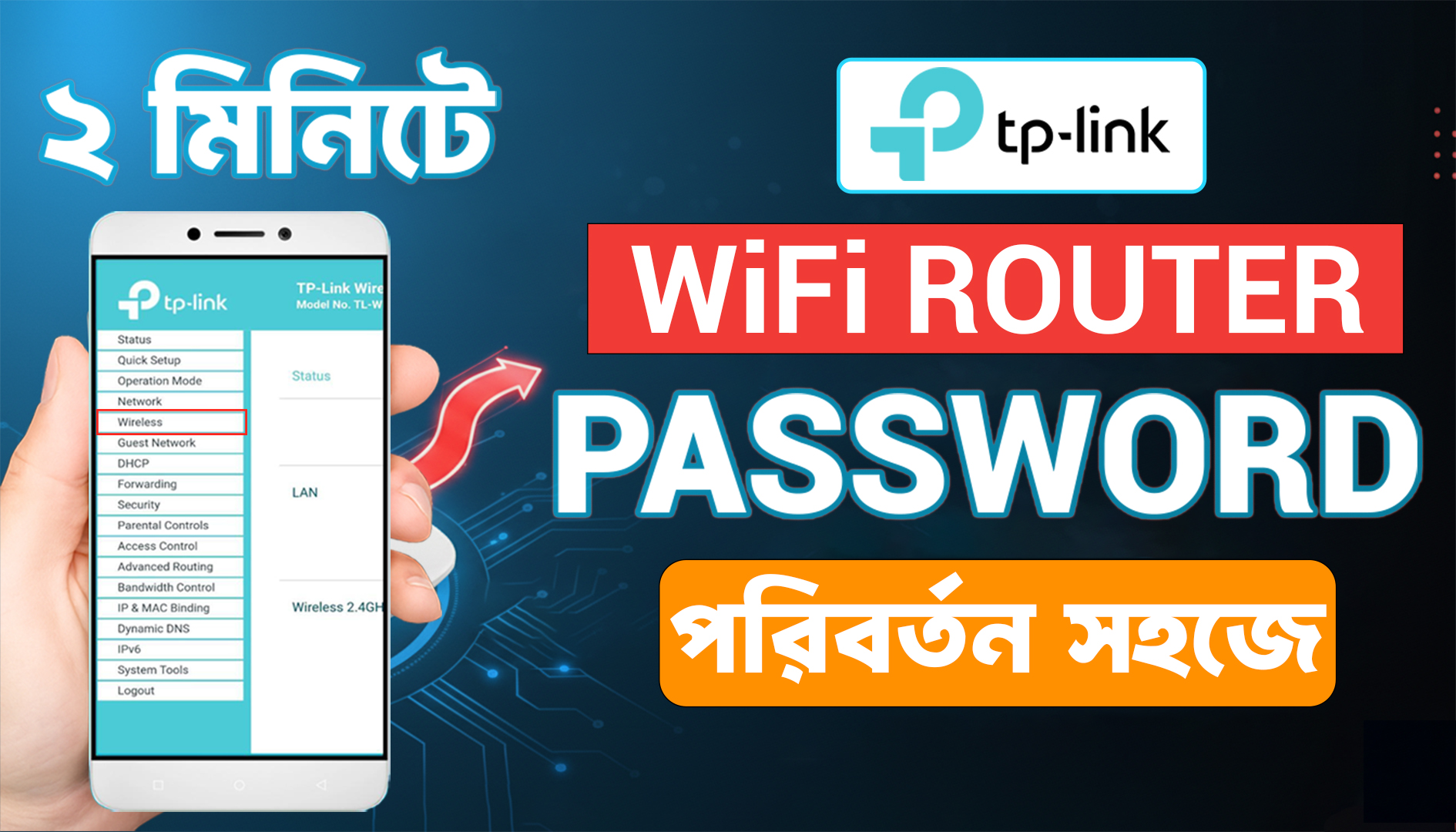
How To Change Your Tp Link Router Wifi Password In Mobile
25 Oct 2025

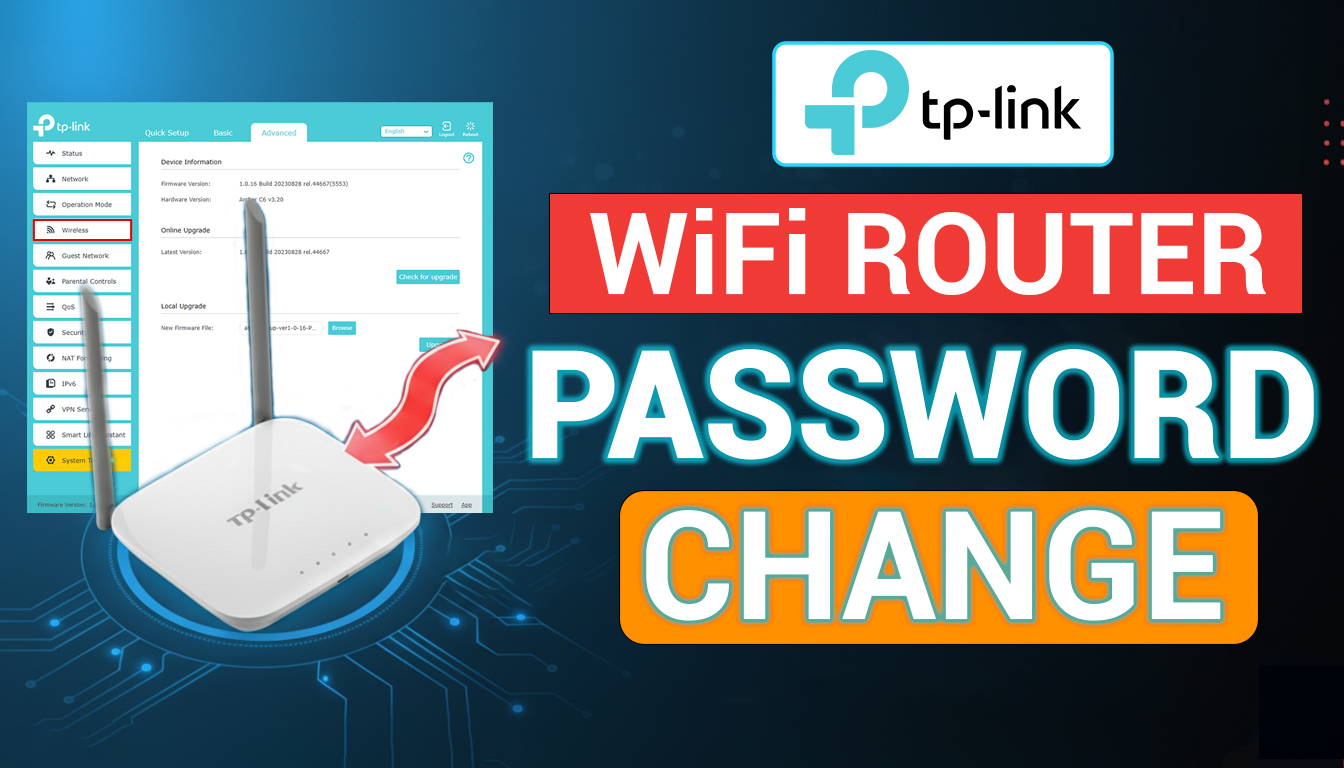
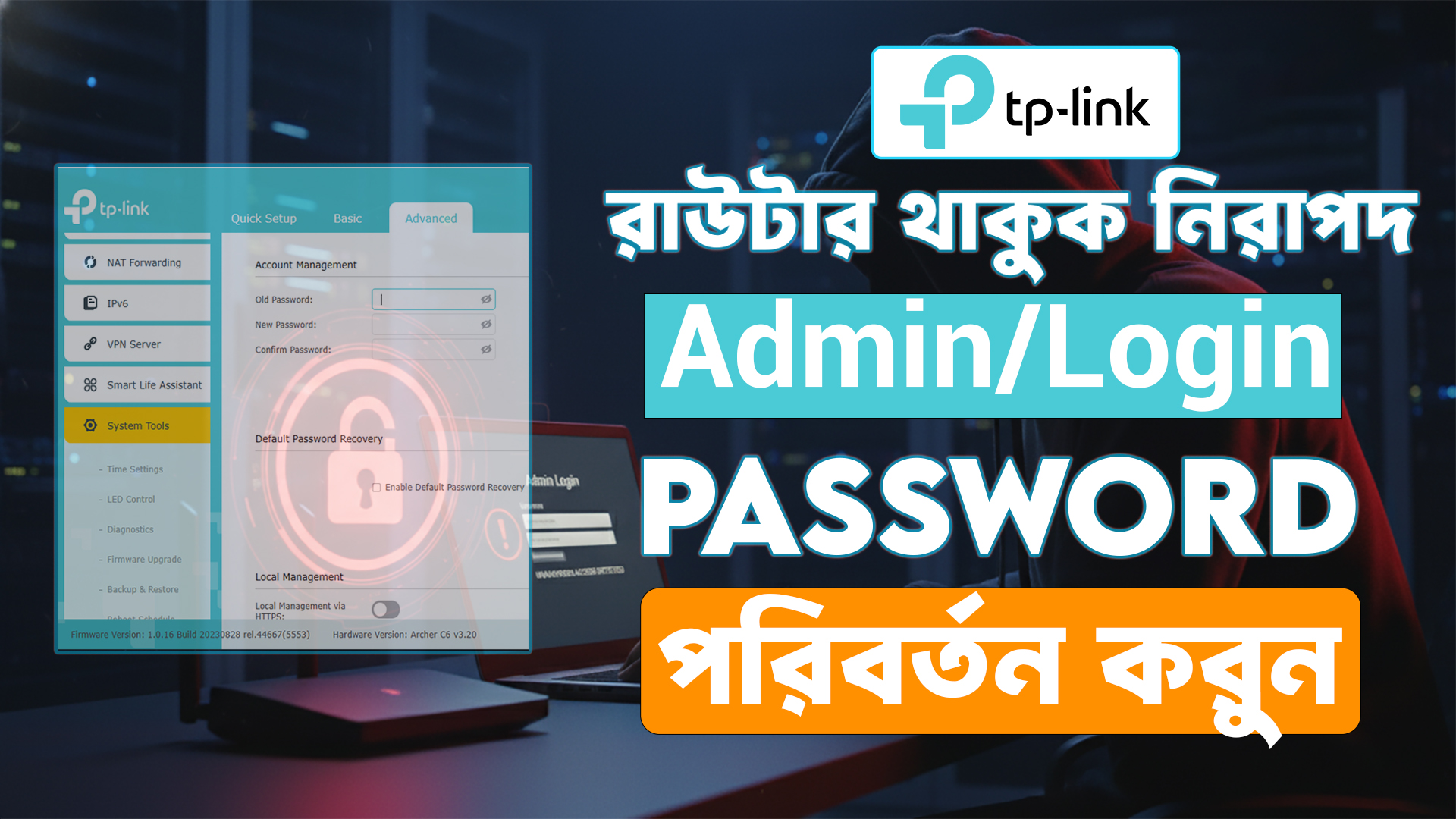
এই ভিডিওতে আমি দেখাবো কিভাবে আপনি খুব সহজে আপনার TP-Link রাউটারের admin (login) password পরিবর্তন করতে পারবেন। রাউটারের প্রশাসনিক পাসওয়ার্ড বদলানো খুব জরুরী — যাতে কেউ অননুমোদিতভাবে রাউটার সেটিংসে প্রবেশ করতে না পারে। ভিডিওতে কি দেখানো আছে: ✔ কিভাবে রাউটারে লগইন করবেন ✔ Admin Account settings কোথায় পাবেন ✔ Admin (login) password কিভাবে পরিবর্তন করবেন ✔ পরিবর্তনের পর কিভাবে নিরাপত্তা নিশ্চিত করবেন
Watch The Video From YouTube: How to Change TP-Link Router Admin Password Login Password
In this tutorial you’ll learn how to change the admin (login) password of your TP-Link router step-by-step. Changing the router admin password prevents unauthorized access to its settings and increases network security. What you’ll learn: How to access TP-Link admin panel (tplinkwifi.net or 192.168.0.1) Where to find the Admin / System Tools / Account settings How to change the admin username/password safely Post-change tips: logout, reconnect, and keep a secure backup of credentials Security Tips: Use a strong admin password (minimum 12 characters, mix of letters, numbers, and symbols). Do NOT share admin password publicly.
25 Oct 2025
21 Oct 2025
(0) Comments
Write a comment