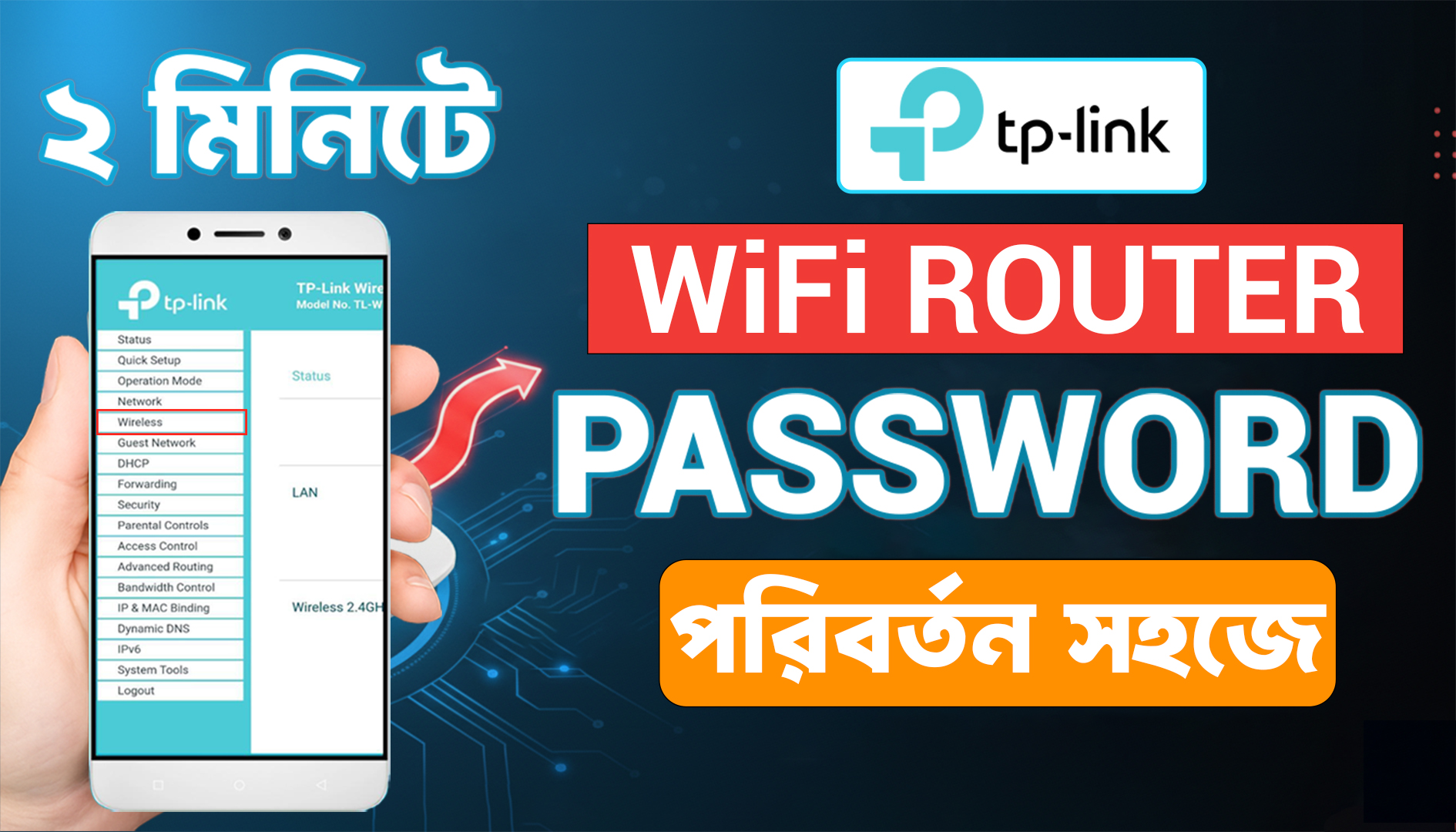
How To Change Your Tp Link Router Wifi Password In Mobile
25 Oct 2025

Wi-Fi standards keep evolving to meet growing demands: more devices, higher video quality, cloud services, and IoT gadgets. Wi-Fi 5 (802.11ac) was a major step up from previous generations — but Wi-Fi 6 (802.11ax) focuses on efficiency and better performance in dense environments, not just top speed. This guide explains the technical differences, real-world benefits, and practical upgrade advice.
Watch The Video From Youtube: WiFi 5 vs WiFi 6 | পার্থক্য, গতি ও সিকিউরিটি Explained in Bangla | Best Wi-Fi Guide 2025
Wi-Fi 5 (802.11ac): Focused on higher single-device throughput in the 5 GHz band (uses 256-QAM, MU-MIMO downlink).
Wi-Fi 6 (802.11ax):: Improves network-wide efficiency using OFDMA, bidirectional MU-MIMO, 1024-QAM, and Target Wake Time (TWT) — better for crowded homes/offices and IoT battery life. Maximum theoretical throughput is higher when devices and infrastructure both support it, but real gains come from handling many devices simultaneously.
OFDMA (Orthogonal Frequency Division Multiple Access): Splits channels into smaller resource units so a single transmission can serve multiple devices simultaneously. This drastically improves efficiency for small data transfers (IoT, background syncs) in busy networks.
Uplink + Downlink MU-MIMO: Wi-Fi 6 supports multi-user MIMO in both directions so multiple clients can upload and download data concurrently, reducing wait time compared with Wi-Fi 5 which is mostly downlink MU-MIMO.
1024-QAM (higher modulation): Allows more bits per symbol than Wi-Fi 5’s 256-QAM under good signal conditions — higher peak throughput when the link is excellent.
Target Wake Time (TWT): Lets devices schedule when they wake to send/receive data, improving battery life for IoT and mobile devices. Great for sensors and smart home endpoints.
BSS Coloring & Better Interference Handling: Helps access points ignore transmissions from distant networks on the same channel, improving performance in apartments, offices, and stadiums.
Theoretical top speeds:: Wi-Fi 6's theoretical maximum (across many streams/channels) is higher than Wi-Fi 5 — numbers like up to 9.6 Gbps are quoted for Wi-Fi 6 in ideal multi-stream scenarios. However, real-world speeds depend on your internet plan, client device support, signal quality and network congestion.
Latency:: Wi-Fi 6 reduces latency in crowded situations because OFDMA and improved MU-MIMO allow more simultaneous operations — that’s why gaming/streaming can feel snappier when many devices are active. Intel and other vendors report meaningful latency reductions in congested scenarios.
Better performance with many devices: if your household has phones, smart TVs, security cameras, smart speakers, and IoT sensors, Wi-Fi 6 maintains responsiveness better than Wi-Fi 5.
Longer battery life for IoT: TWT helps battery-powered sensors and devices.
Improved reliability in apartments/offices: BSS Coloring and improved interference handling help in dense RF environments.
If you have one or two devices and a modest internet connection,e.g., <100 Mbps, you might not notice a big difference moving to Wi-Fi 6. The internet speed from your ISP is still the external bottleneck for cloud downloads/streams.
Older client devices that only support Wi-Fi 5 will not get Wi-Fi 6 features — though they can still connect to a Wi-Fi 6 router with backward compatibility.
Wi-Fi 6E extends Wi-Fi 6 into the 6 GHz band for cleaner, wider channels — excellent for ultra-low latency or high bandwidth needs, but it requires new hardware and device support. For most users, Wi-Fi 6 (2.4/5 GHz) remains fully relevant today.
Wi-Fi 7 is already in progress and promises higher rates and lower latency — but mainstream adoption will take time and requires future upgrades.
When to upgrade to a Wi-Fi 6 router: You frequently have many active devices (10+), experience buffering or lag in video calls, or use many IoT devices. You want improved Wi-Fi performance in dense areas (apartments, offices) or better battery life for smart devices.
What to look for in a router: True Wi-Fi 6 (802.11ax) support, support for OFDMA & MU-MIMO, WPA3 security, at least 2.5GbE or link aggregation if you need higher wired backhaul capacity, and easy firmware updates.
Device upgrade strategy: Upgrade routers first if you want future-proofing and improved network efficiency. Upgrade client devices (phones, laptops) selectively — newer flagship phones and laptops often include Wi-Fi 6. If most of your devices are old, immediate large benefits will be limited.
Mesh systems: For large homes, prefer Wi-Fi 6 mesh systems for consistent coverage. Make sure backhaul bandwidth is adequate (wired backhaul is best).
25 Oct 2025
21 Oct 2025


(0) Comments
Write a comment